
Server discovery
Find your next crew.
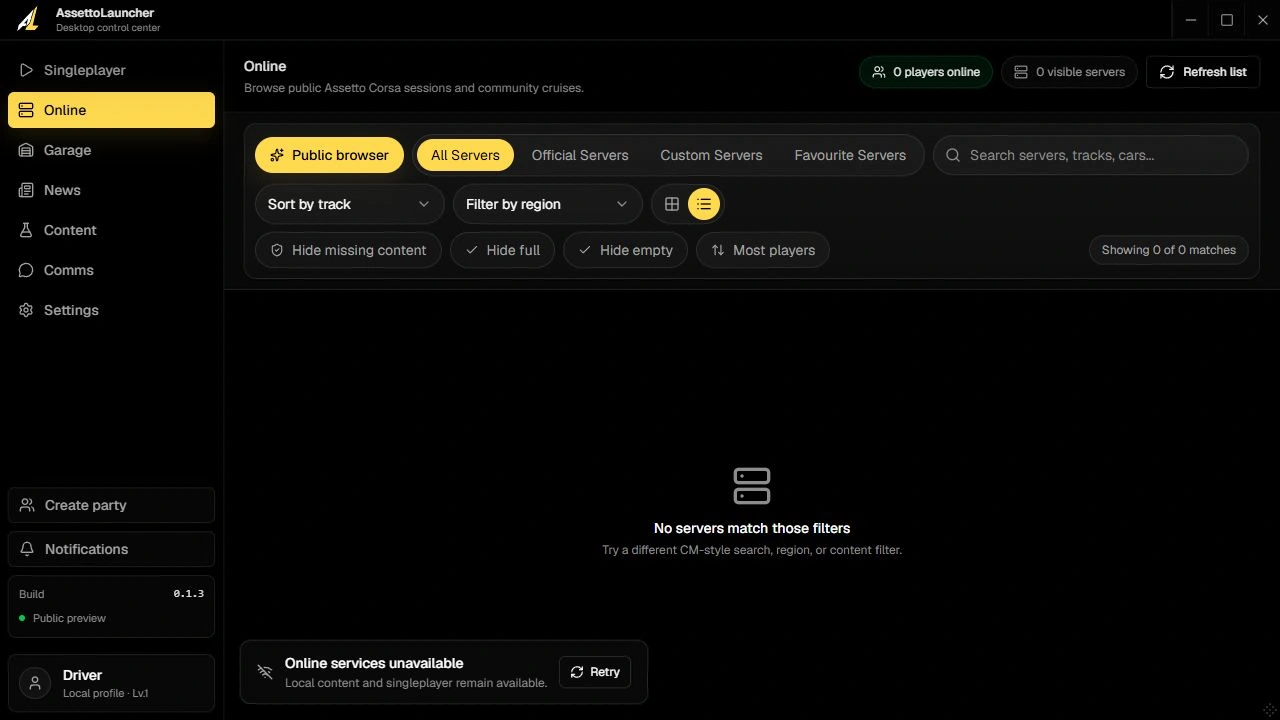
Search by name, map, or region. Check the players and required cars before you join.
Browse servers, choose your cars, and get your next Assetto Corsa session ready. All from one launcher.
01What you can do
Server discovery
Search by name, map, or region. Check the players and required cars before you join.
Car selection
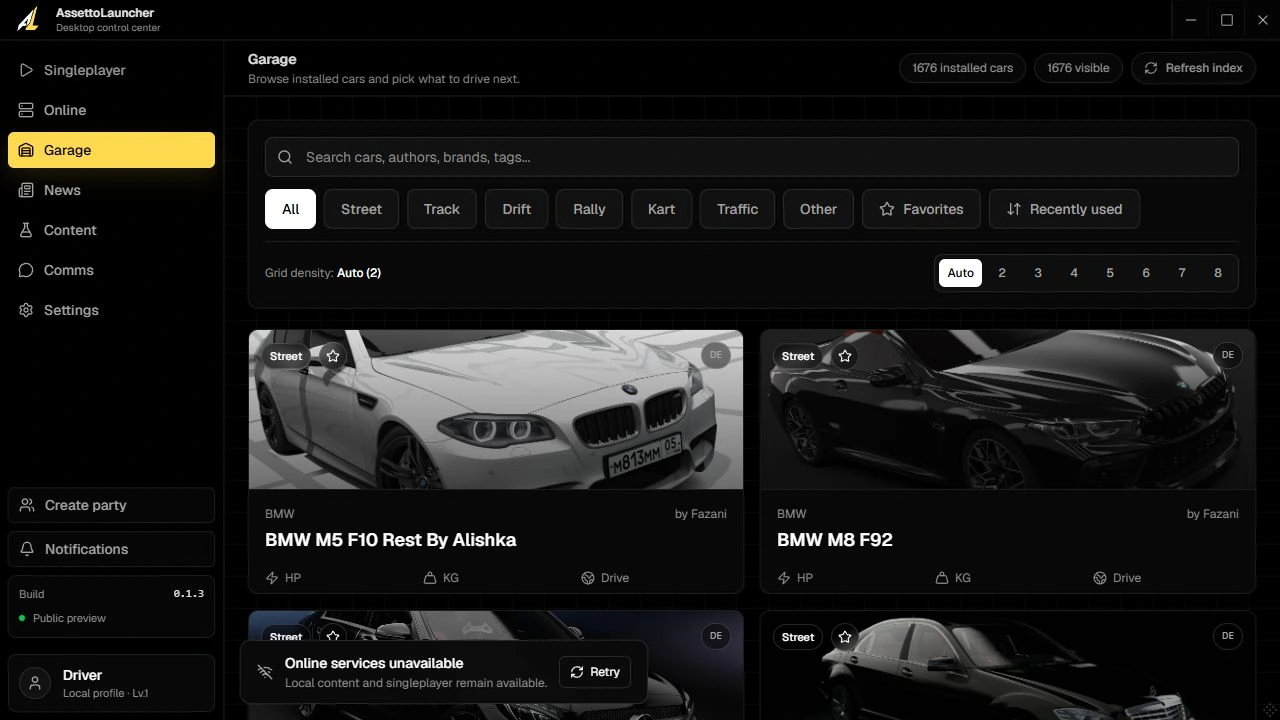
Browse your installed cars, choose a vehicle, and see what’s available for the session.
Session setup
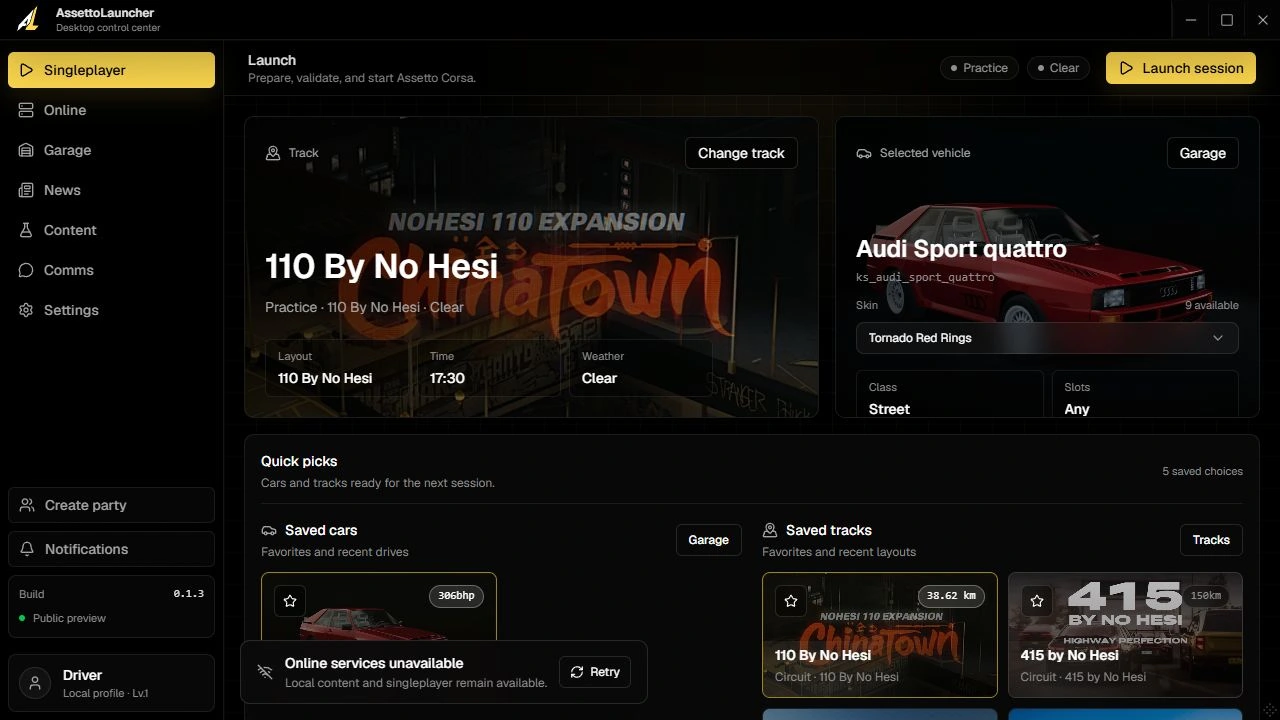
Choose a car and track, adjust your settings, and launch from the session screen.
02See the launcher
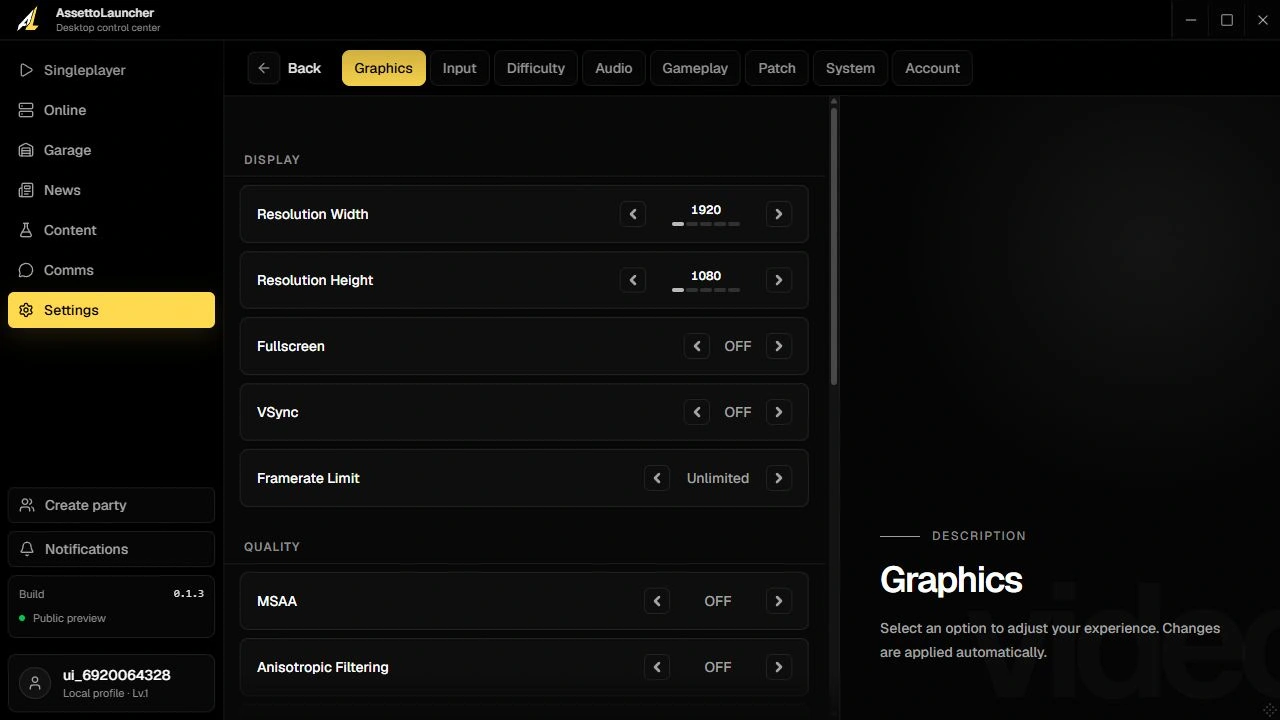
Tap a tab. See where your next session starts.
27 September 2026 development captures · Appearance may change
03Your first drive
From your desktop to your first session. You’ll need Assetto Corsa installed on Windows.
Open the setup guideCheck the Windows release, then grab the installer.
Go to downloadOpen the launcher, select your Assetto Corsa folder, and follow the setup prompts.
Choose a car and track, check the session, and get on the grid.
04Plans
A free launcher and two monthly subscriptions. Content adds content access. Content + Hosting adds the ability to host servers.
Free no charge
The core launcher for your next session.
390 ₽ per month
The launcher, plus additional Assetto Corsa content by subscription.
Payment is temporarily unavailable. The payment system is not connected yet.
690 ₽ per month
Subscription content, plus the ability to host your own servers.
Payment is temporarily unavailable. The payment system is not connected yet.
Free stays free. Paid plans are monthly subscriptions priced in RUB.
05Before you launch
The stuff you need to know. Then back to the driving.
More questions?Yes. You need your own copy installed on Windows. The launcher helps you prepare and start sessions; the game is separate.
Start with Free. Content is 390 ₽/month for content access. Content + Hosting is 690 ₽/month for content and the ability to host servers. Compare all three plans.
Setup includes an option to scan supported Content Manager settings. You can also start fresh. Check the details.
Check the selected session’s car, track, and CSP requirements. Compatibility depends on your installed content and the launcher release. See compatibility notes.
06Your next lap
Get the Windows launcher. Bring your Assetto Corsa installation.
Get the launcherWindows installer coming soon. The public download isn’t available yet.
Need a hand setting up?