
The launcher · Features
Your cars. Your next session.
Find a server, pick a car, and get the session ready. Here’s what the launcher puts in reach.
Get the launcher01Server discovery
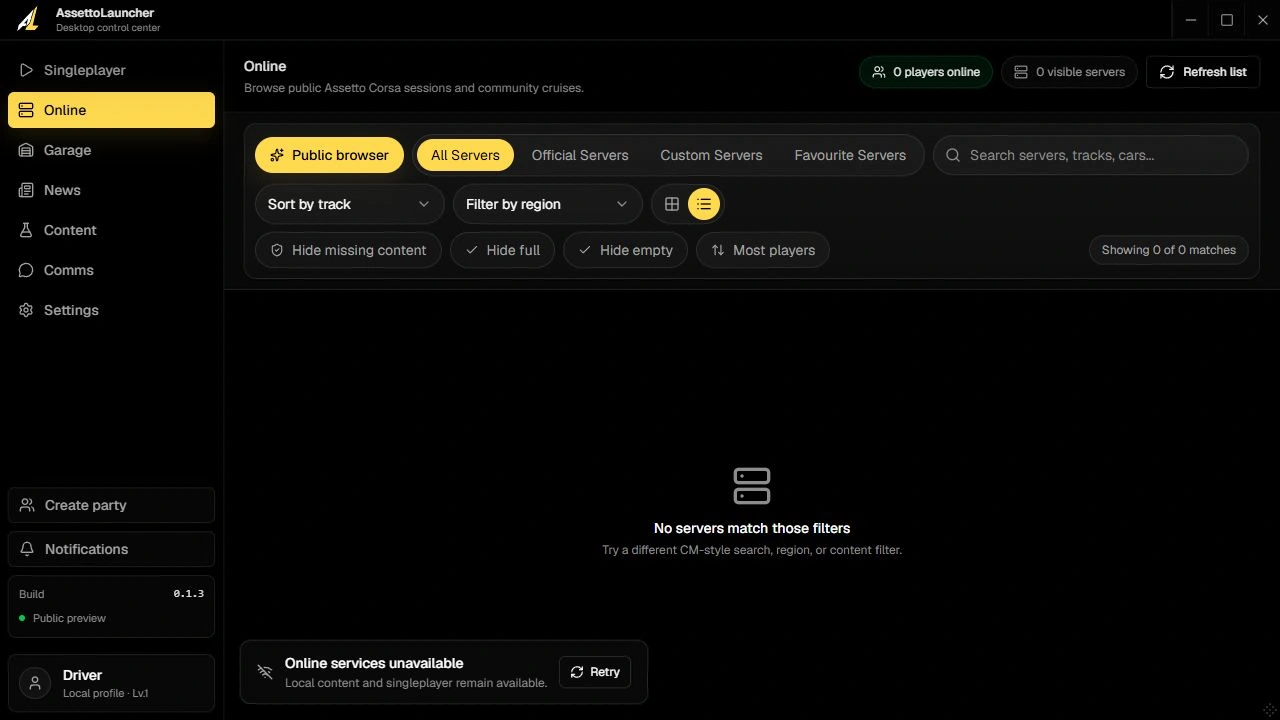
Find a server worth joining.
Search by name, map, or region. Filter full, empty, or missing-content sessions.
Check player counts and available cars before you choose a session.
02Vehicle selection
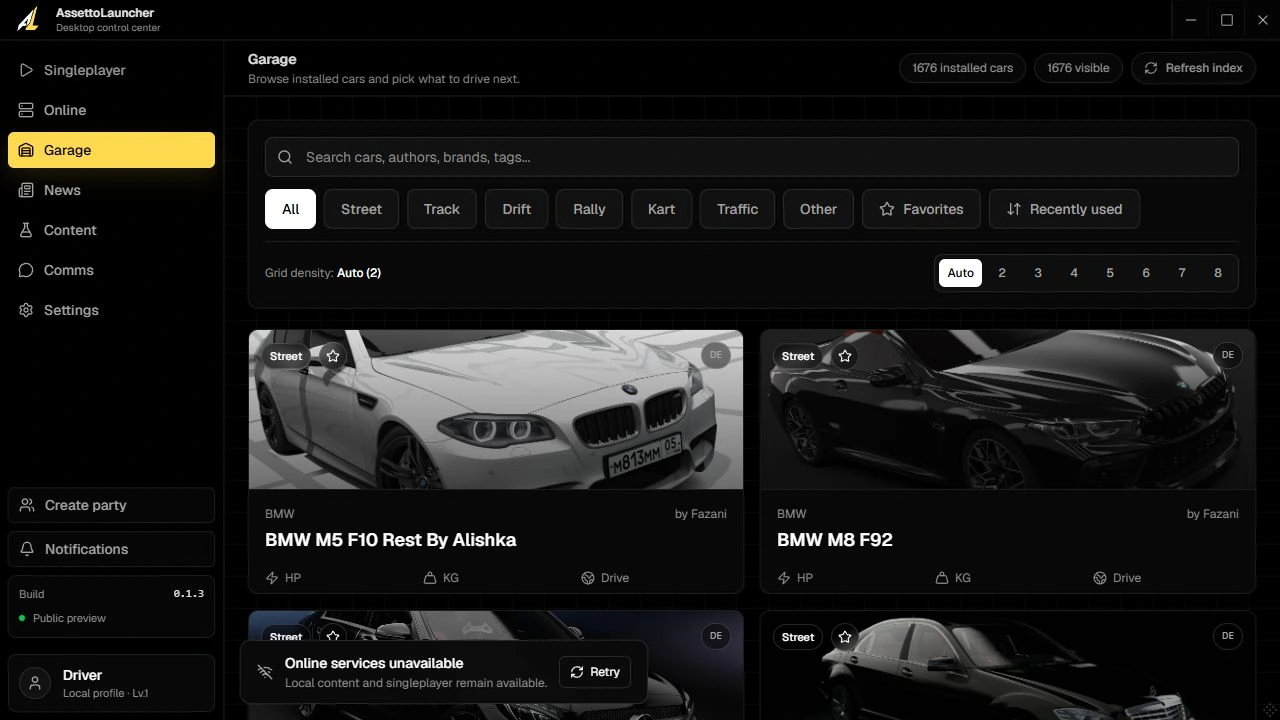
Your garage. Take your pick.
Browse your installed cars or the selected server’s vehicles. Pick one, then review the session.
You’ll need the cars and tracks required by the server.
03Ready to launch
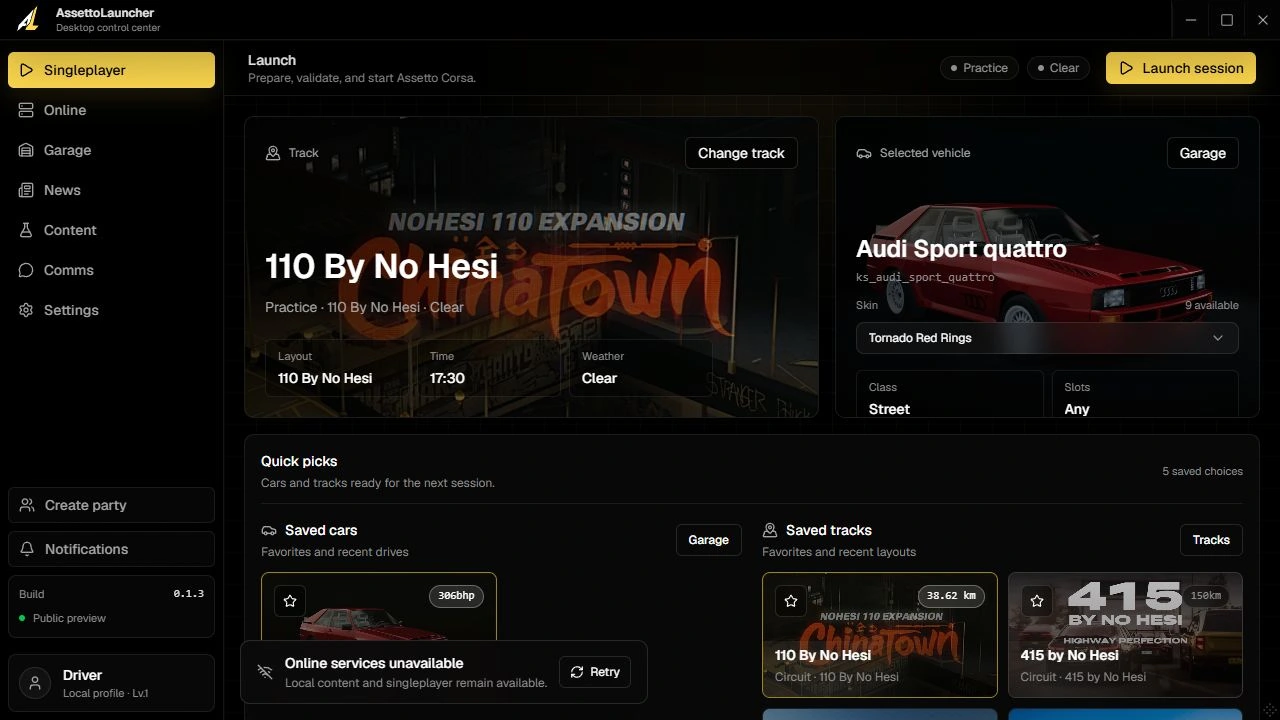
Set it up. Send it.
Choose your car, track, and settings, then launch Assetto Corsa. If something goes wrong, the launcher shows the error.
During setup, select your game folder. Scan supported Content Manager settings or start fresh with graphics, assists, and controls.
Your next step
Ready to choose your first car?
Get the Windows launcher and follow the setup guide to connect your game. Assetto Corsa is required. Check your session’s car, track, and CSP requirements in the compatibility FAQ.